
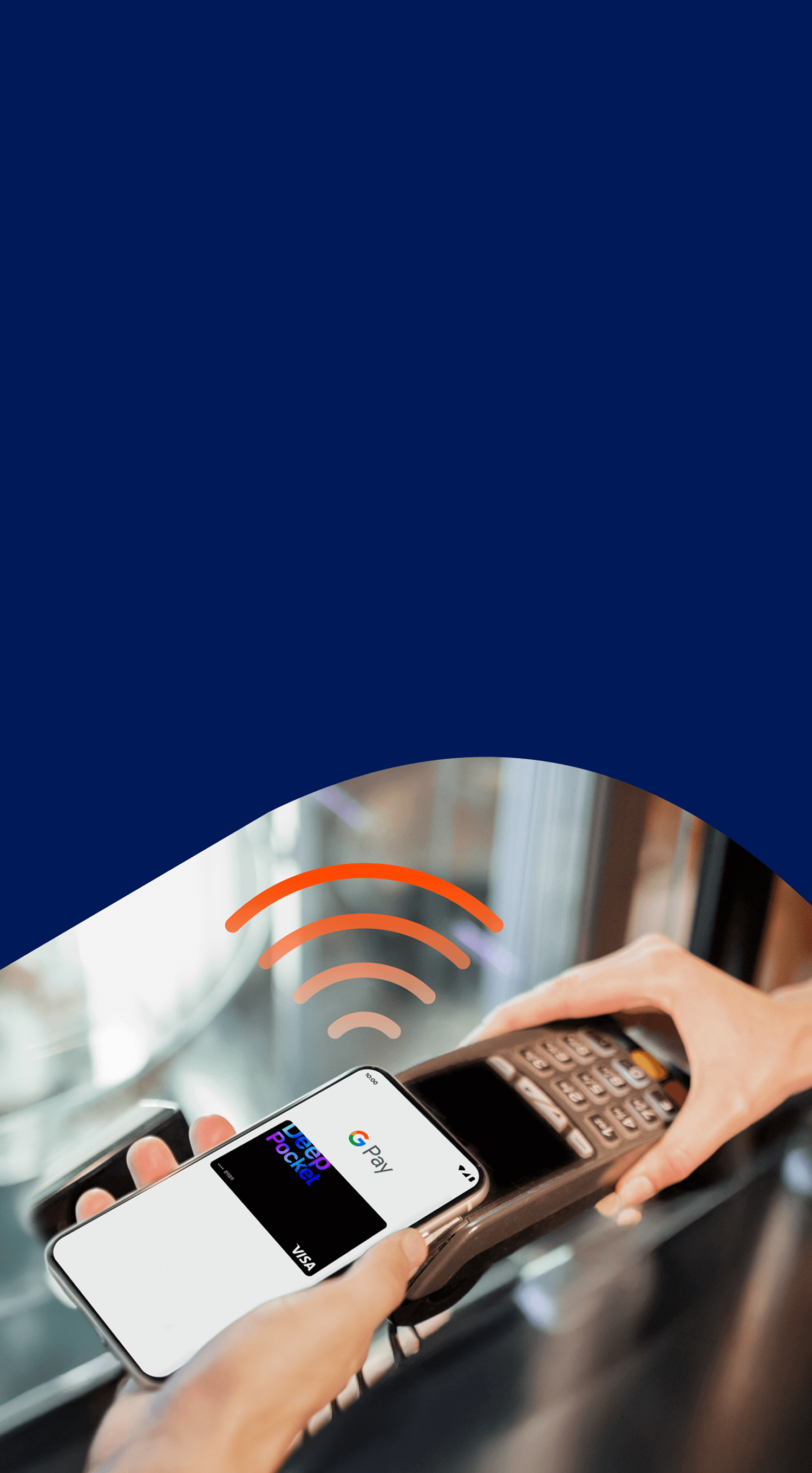
Tap. Pay. Done.
Pay anywhere with your Android
Fast, Secure, No extra fees.
Add your DeepPocket Visa Prepaid Card to Google Wallet™ or activate Google Pay™ in the app.
Pay worldwide with speed, security, and privacy - in stores, transit,
and online wherever Google Pay™ is accepted.
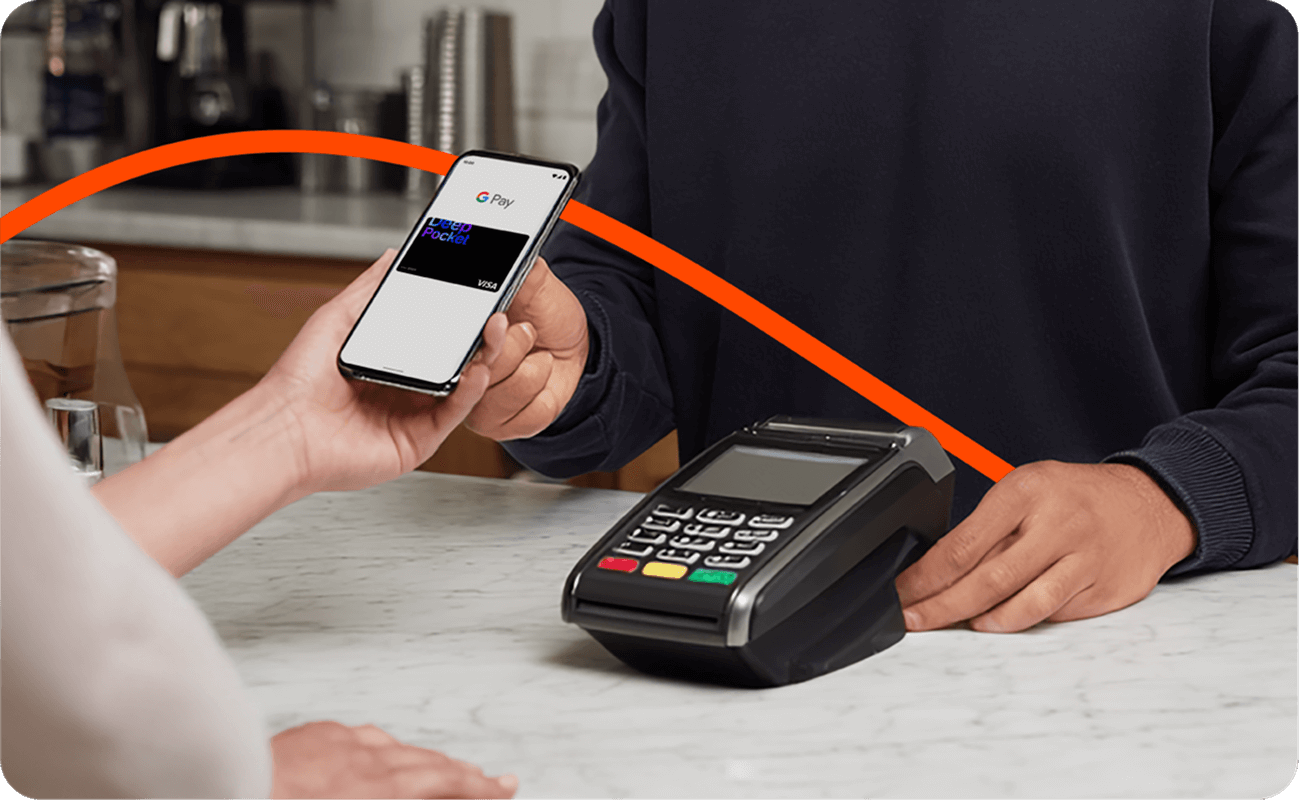
Convenience without the card
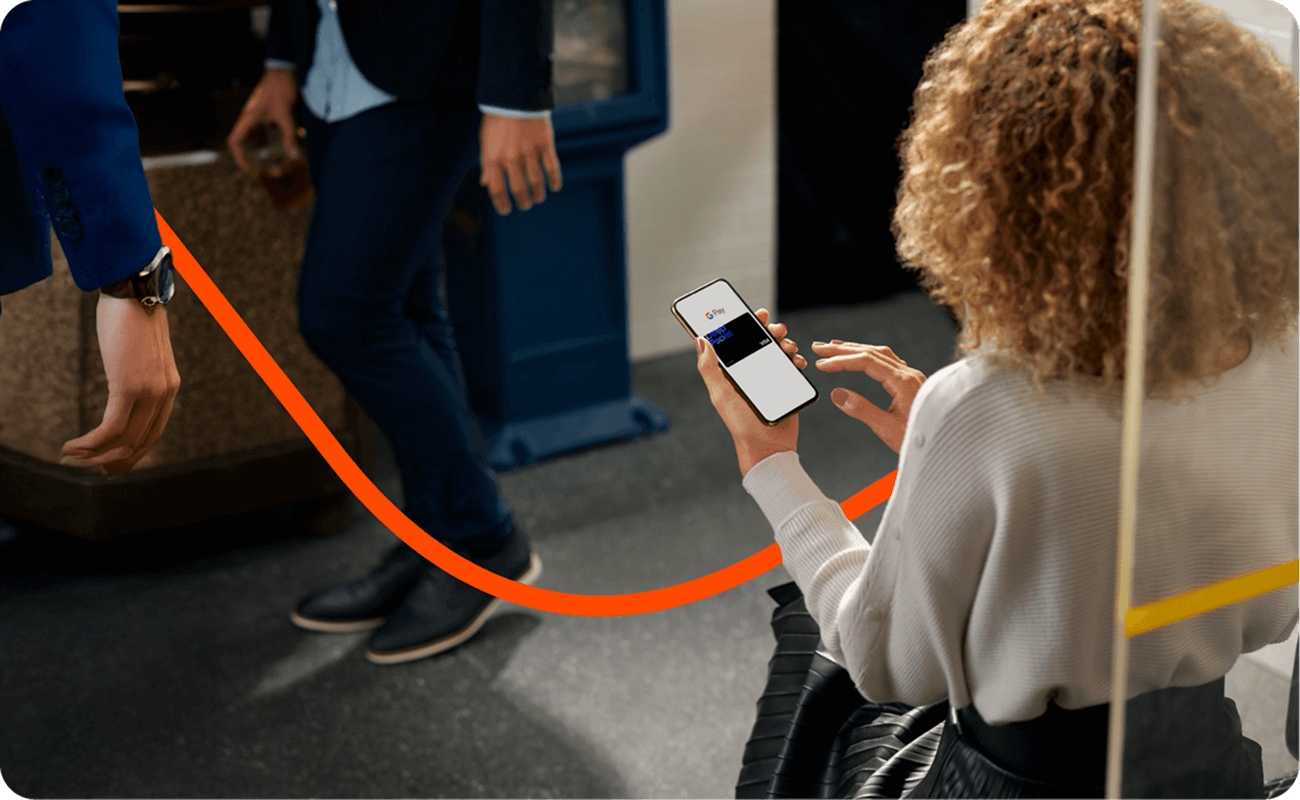
Just enable Google Pay™ on your NFC-enabled Android phone and tap. No card needed.
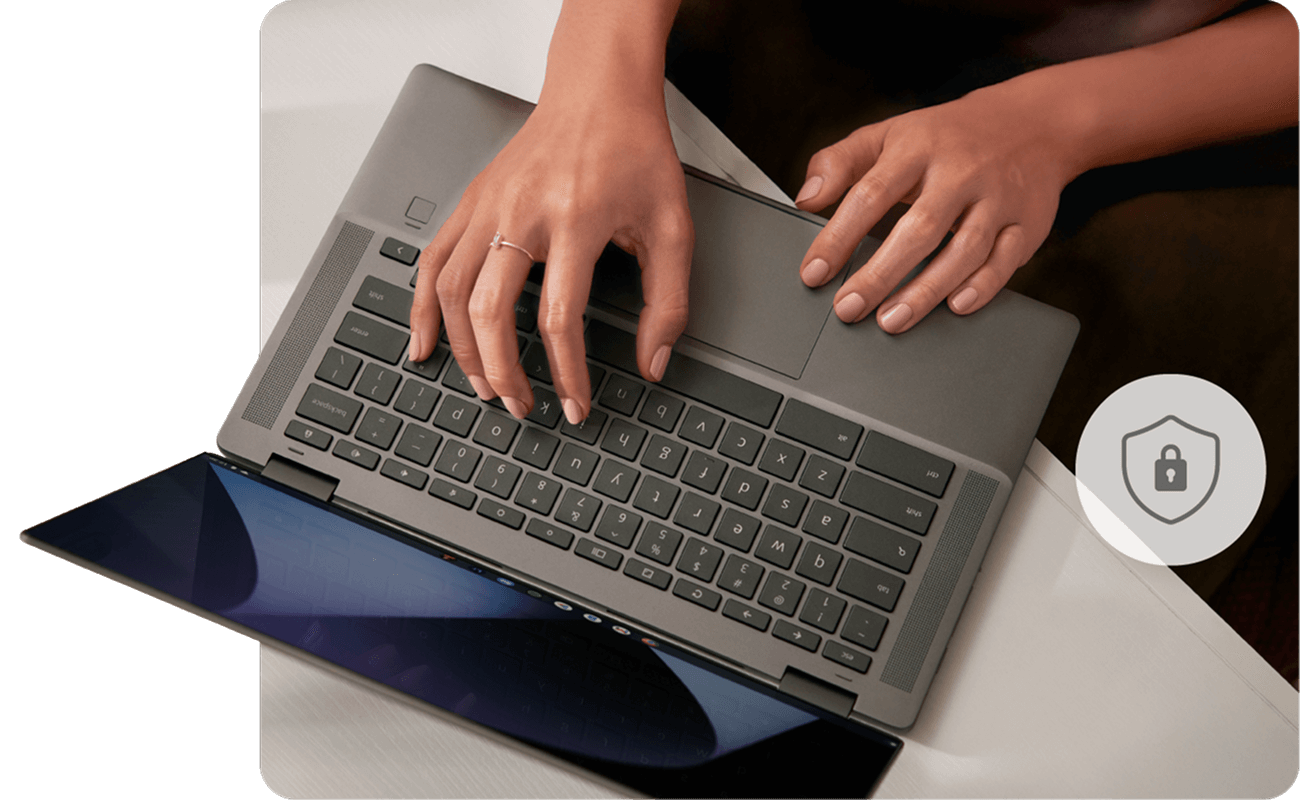
Security you can trust
Payments need phone unlock and 2-step verification. Lost your phone? Use Find My Device to erase your data.
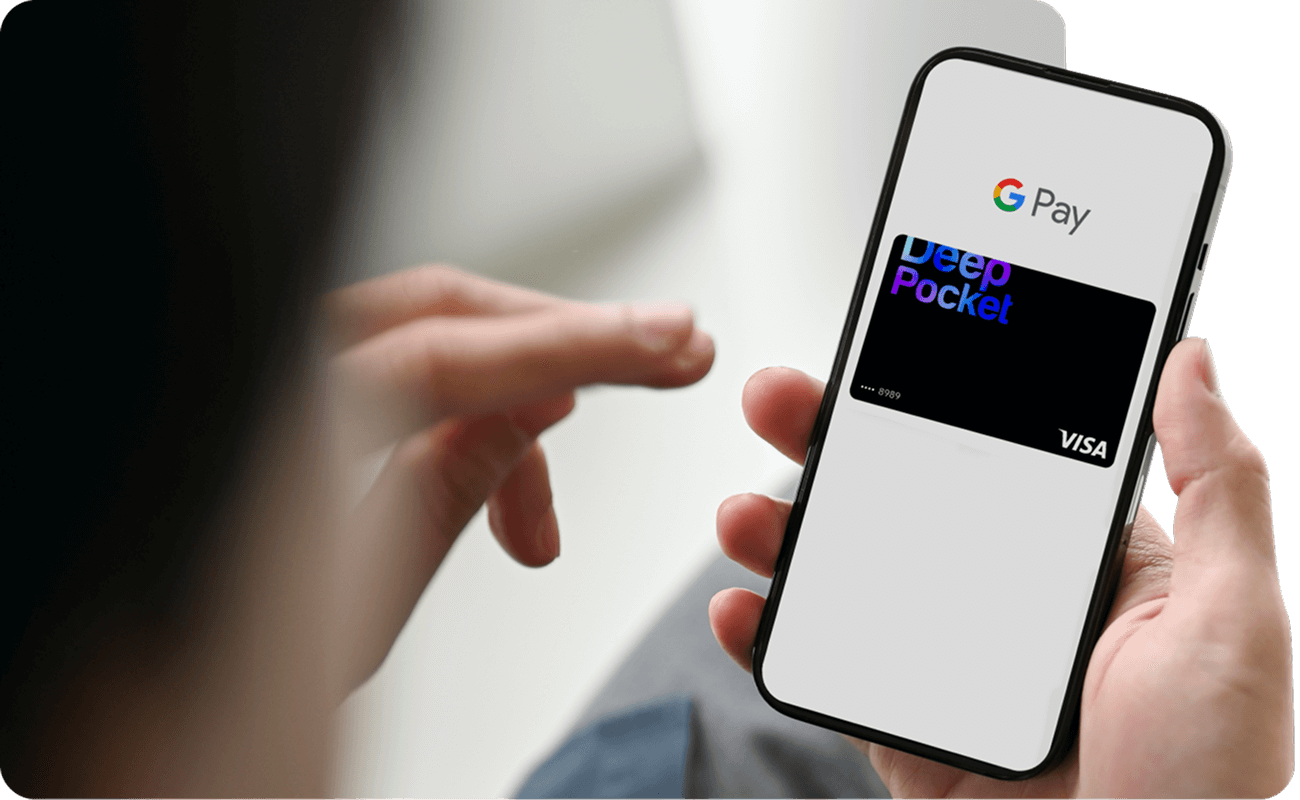
Privacy built in
Your card details stay private. Google Pay™ uses tokenization, a virtual card number for each payment. Never shared with merchants or used for ads.
Global acceptance
Use your DeepPocket Visa with Google Pay™ at millions of stores, and online checkouts worldwide, wherever you see.
HOW TO GET STARTED
Set up in minutes. Pay with just a tap.
Set up via Google Wallet™
Add your DeepPocket Visa Prepaid Card to the Google Wallet™ app on Android devices that support NFC (tap-to-pay)
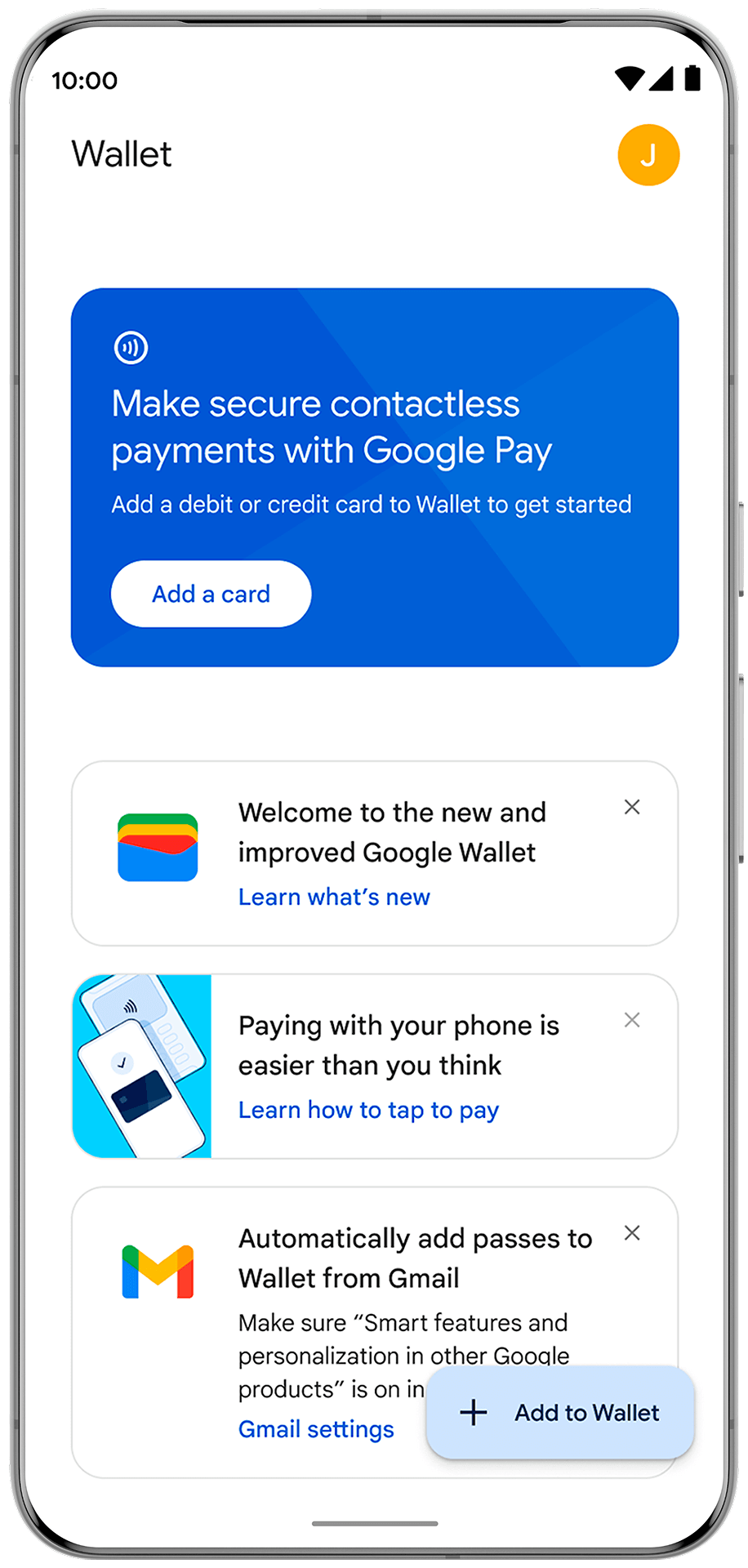
1
Download and Add
Install Google Wallet™ from Google Play, then tap Add a card
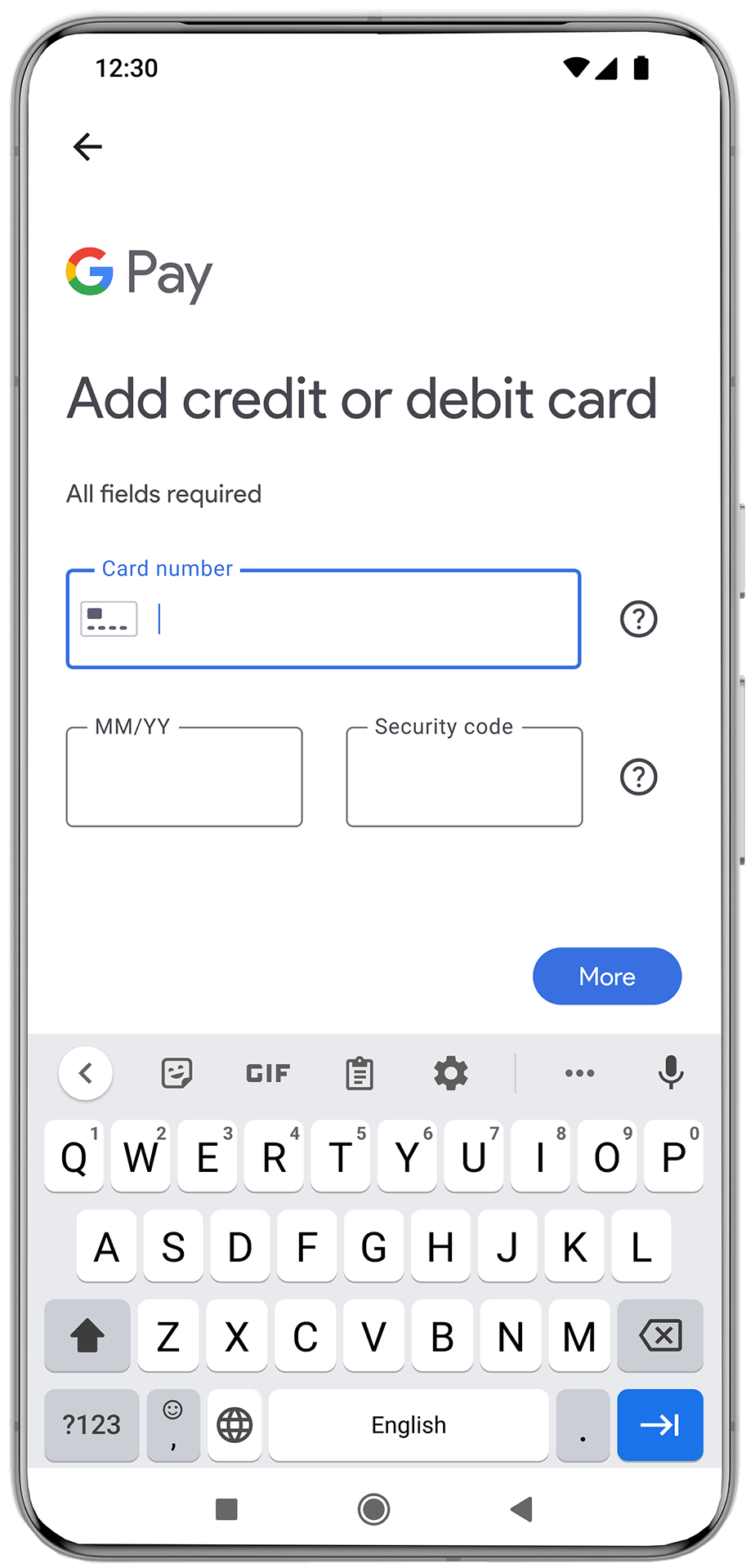
2
Enter your details
Select Credit or Debit and enter your DeepPocket Visa Prepaid Card details
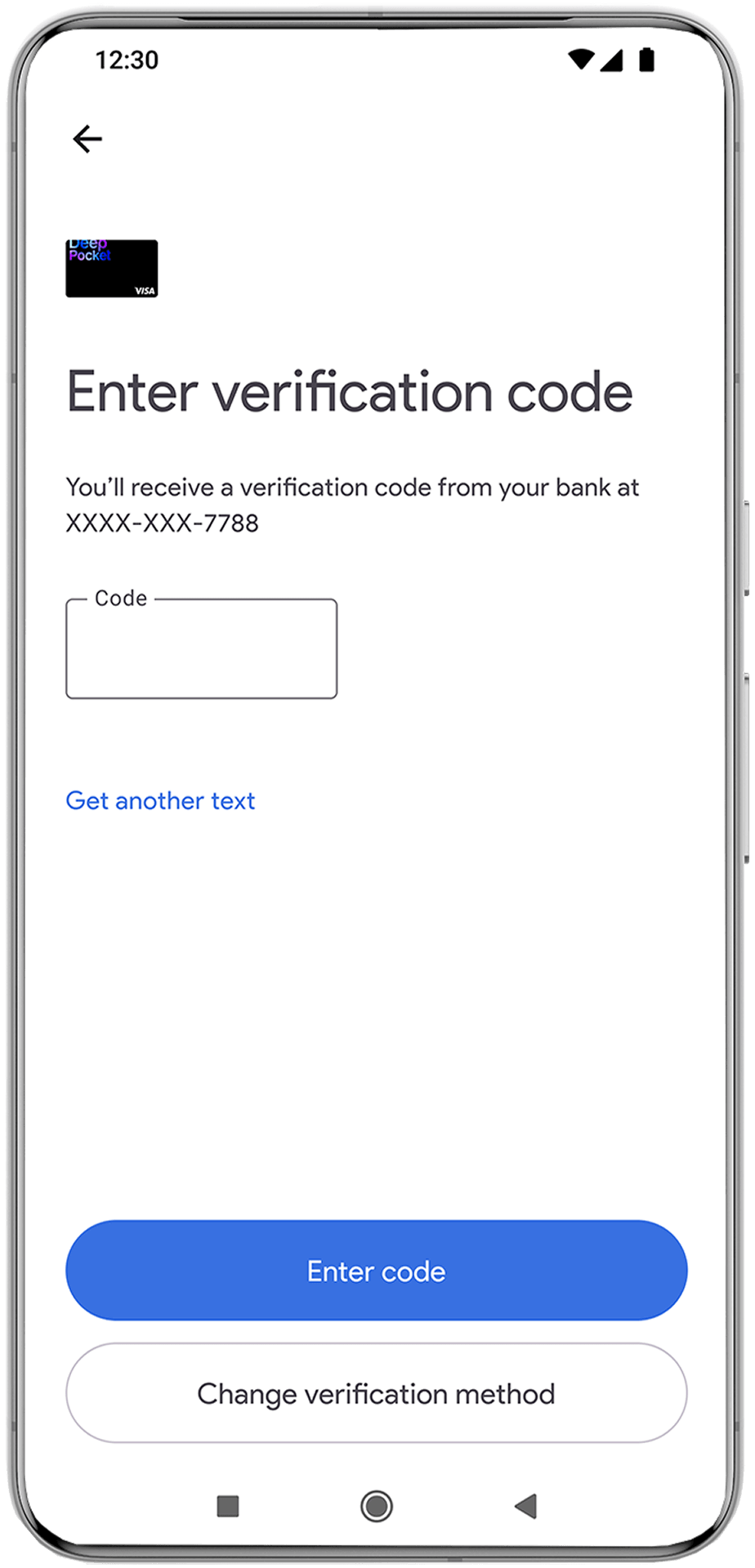
3
Verify
Verify cardholder identity with OTP
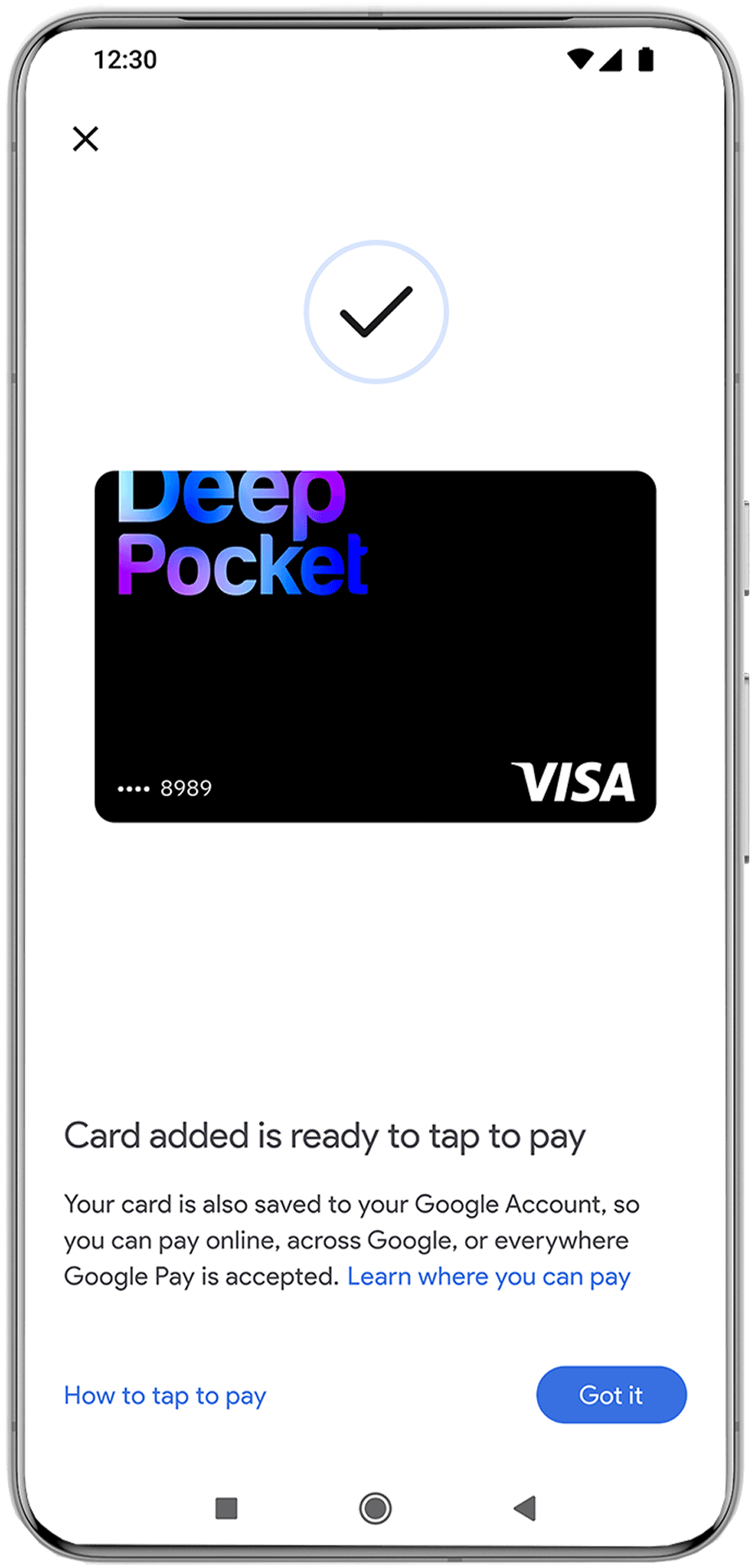
4
Card added
Your card is now ready. Enable NFC on your device to start tapping
FAQ
Get started with Google Wallet today